
JSCAD CAD Generation with Swamp and Claude Code: Setup Guide
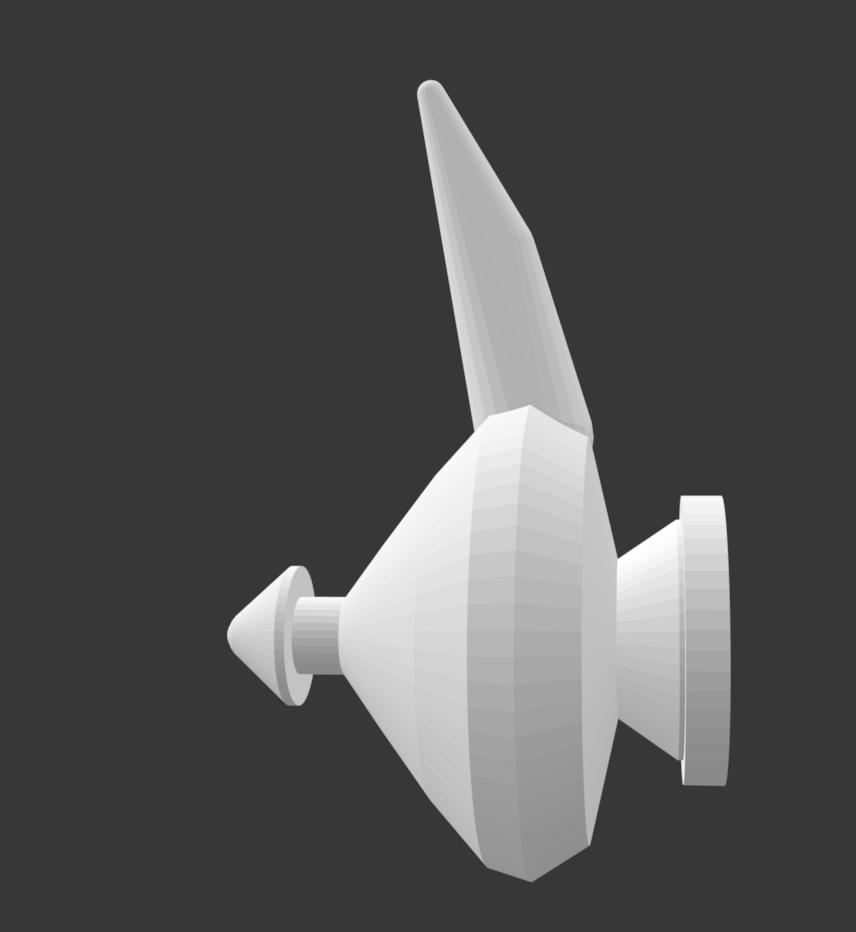
Disclaimer: AI-generated setup guide for the JSCAD CAD pipeline. Tested on macOS, April 2026.
What You Get
A working pipeline: describe an object in plain text → Claude Code generates a JSCAD script → Swamp renders to STL → validator checks the geometry. All in one terminal.
Three extensions:
| Extension | Purpose |
|---|---|
@magistr/jscad-cad |
Render JSCAD scripts to STL/DXF/SVG/OBJ/3MF |
@magistr/jscad-stl-validator |
STL validation: triangles, bounding box, defects |
@magistr/jscad-stl-slicer |
Analysis: slicing, 6-view projections, PCA comparison |
Step 1: Install Swamp
curl -fsSL https://get.swamp.dev | sh
swamp --version
swamp auth login
Step 2: Create a Project
mkdir my-cad-project
cd my-cad-project
swamp repo init -t claude
This creates .swamp/ (internal storage), .claude/skills/ (Swamp skills for
Claude Code), and CLAUDE.md (instructions for Claude).
Step 3: Install CAD Extensions
swamp extension pull @magistr/jscad-cad
swamp extension pull @magistr/jscad-stl-validator
swamp extension pull @magistr/jscad-stl-slicer
Verify types registered:
swamp model type search magistr --json
You should see three types: @magistr/jscad-cad,
@magistr/jscad-stl-validator, @magistr/jscad-stl-slicer.
Step 4: Set Up the Claude Code Skill
The @magistr/jscad-cad extension includes the jscad-codegen skill, but after
extension pull the files end up in .swamp/pulled-extensions/models/, not
where Claude Code looks. Copy manually:
mkdir -p .claude/skills/jscad-codegen/references

cp .swamp/pulled-extensions/models/SKILL.md \
   .claude/skills/jscad-codegen/SKILL.md

cp .swamp/pulled-extensions/models/feature-based-modeling.md \
   .claude/skills/jscad-codegen/references/
cp .swamp/pulled-extensions/models/geometry-positioning.md \
   .claude/skills/jscad-codegen/references/
cp .swamp/pulled-extensions/models/jscad-v2-api.md \
   .claude/skills/jscad-codegen/references/
cp .swamp/pulled-extensions/models/reverse-engineering.md \
   .claude/skills/jscad-codegen/references/
Expected structure:
.claude/skills/jscad-codegen/
├── SKILL.md
└── references/
    ├── feature-based-modeling.md
    ├── geometry-positioning.md
    ├── jscad-v2-api.md
    └── reverse-engineering.md
Step 5: Create Model Instances
swamp model create @magistr/jscad-cad box-test --json
swamp model create @magistr/jscad-stl-validator stl-check --json
swamp model create @magistr/jscad-stl-slicer slicer --json
Step 6: Verify — Render a Cube
cat > /tmp/test-cube.yaml << 'EOF'
script: |
  const main = (params = {}) => {
    return primitives.cuboid({ size: [20, 20, 20] });
  };
outputFormat: stl
EOF

swamp model method run box-test run --input-file /tmp/test-cube.yaml --json
swamp model method run stl-check validate --input cadModelName=box-test --json
If you see "status": "succeeded" and "valid": true — everything works.
Step 7: Generate with Claude Code
Launch Claude Code in the project directory:
claude
Then use the skill:
> use swamp skill and design a genie lamp
Claude Code will automatically load the jscad-codegen skill, generate a JSCAD
script with proper proportions and datums, render via Swamp, validate the STL,
and copy the result to the current directory.
Useful Commands
# List all models
swamp model search --json

# Get STL file from last render
swamp data get box-test output --json

# Run 6-view projection on a file
swamp model method run slicer sixViewsFile \
  --input filePath=/path/to/model.stl --json

# Compare generated model against reference
swamp model method run slicer enhancedCompareFiles \
  --input refPath=/path/to/reference.stl \
  --input modelPath=/path/to/generated.stl --json